
WhatsApp Business with multiple users: who answers which chat
By Lucas · Malta Automations, St. Paul’s Bay · · 6 min read
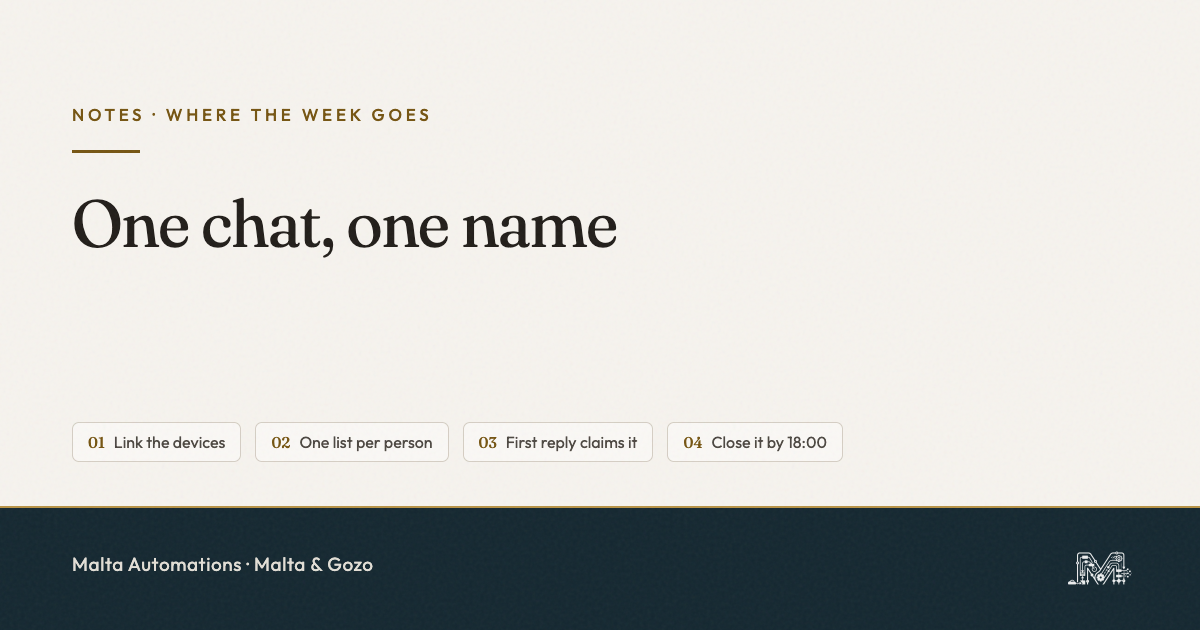
Yes, WhatsApp Business works with multiple users on one number. The free app lets you link up to four devices to the main phone, so a receptionist on a laptop and the owner on a phone can answer the same chats. What the app does not decide is who answers which chat. Without that, two people reply to the same customer, or both assume the other one did. The fix is one rule: every open chat has one named person on it, marked with a list the whole team can see.
Two people share the salon WhatsApp. A customer asks for Saturday at 10:00. One says yes. The other, ten minutes later, offers 11:30.
Or the opposite. Everyone saw the message. Everyone thought someone else had it. Nobody replied, and on Monday morning the owner rebuilds the thread from memory. That is the second of the Four Moves we see in every small business in Malta, and a shared number makes it worse, not better.
How multiple users work on the WhatsApp Business app
The WhatsApp Business app runs on one main phone. From that phone you link other devices by scanning a QR code. Each linked device then sees the same chats and sends from the same number.
- Up to four linked devices, free. A laptop on WhatsApp Web or Desktop, or a second phone. Plus the main phone itself.
- Linked devices work without the main phone online. The receptionist can keep answering while the owner’s phone is flat.
- The 14-day catch. If the main phone is not used for more than 14 days, every linked device is logged out. Keep the main phone in the shop, not in a drawer.
The customer sees one business. They never see which of you replied. That part is good. The problem is that, on the free app, nobody inside the business can tell afterwards either.
What the free app does not do: decide who answers
Linking devices gives everyone access. It does not give anyone ownership. A new chat lands on every screen at once, and the app has no idea whose job it is.
That leaves two ways to fail. Two people answer, with two different times or two different prices. Or nobody answers, because each of them saw the notification and moved on. The second one is quieter and costs more, because the customer simply books somewhere else.
The paid multi-agent feature, and whether you have it
WhatsApp has a multi-agent feature that closes part of that gap. It comes with a paid Meta Verified or Meta One subscription, and Meta says it may not be available to every account yet.
- Up to ten linked devices instead of four.
- Each device gets a name, usually the person using it.
- You can assign a chat to a named agent, and filter your chats to the ones assigned to you.
- You can check which agent and which device sent any message.
To see if it is on your account, open the WhatsApp Business app on the main phone and go to Tools, then Subscriptions. If Meta Verified or Meta One is not offered there, you do not have it. We have not seen it on a Maltese +356 account ourselves, so check your own app before you plan around it.
Even with it, assigning is a tap somebody has to make. If nobody agrees when to make it, the feature sits unused.
One Chat, One Name
We call it One Chat, One Name: every open WhatsApp chat has exactly one named person on it, and everyone else can see who. Not “the team”. Not “whoever is free”. One name, until the chat is closed.
The rule matters more than the tool. With it, four devices on the free app work fine for a studio of three. Without it, ten devices on a paid plan still let the Saturday booking fall between two people.
How to set it up today on the free app
Four steps. None of them costs anything.
- Make one list per person. In the app, lists sort your chats. Create one called by each name, for example “Maria” and “Lucas”, plus one called “Done”.
- Whoever replies first, claims it. The person who sends the first answer adds the chat to their own list in the same minute. Now every screen shows whose it is.
- Hand over out loud. If you pass a chat on, move it to the other person’s list and tell them. A chat never changes owner silently.
- Close it. When the booking is made or the question answered, move the chat to “Done”. Anything left in a personal list at 18:00 is still open.
Pair it with one set of saved quick replies that everyone uses. Then the customer gets the same answer whichever of you is holding the phone. The shape we use is the Three-Line Reply: what you can do, the one thing you still need, and a time.
When one app is no longer enough
For two or three people, the free app plus One Chat, One Name holds. It stops holding when the chats have to be sorted before any of you picks up the phone. For example, bookings go to reception, quotes go to the owner, and an after-hours message still needs a reply.
That is where the WhatsApp Business Platform comes in, with a shared inbox that routes each chat to a person by itself. We only build that after the rule already works by hand. Routing chaos automatically just sends it to more people faster.
One thing to do today
Open WhatsApp Business on the main phone and make one list per person who answers. Tell the team the rule before the next customer writes in: first to reply, claims it. Fifteen minutes, nothing to buy.
Questions owners in Malta ask us
Can more than one person use the same WhatsApp Business number?
Yes. Link up to four devices to the main phone, such as WhatsApp Web on a laptop or a second phone. Everyone answers the same chats from the same number.
Is using WhatsApp Business on several devices free?
Up to four linked devices is free. Up to ten, with chats assigned to named people, needs a paid Meta Verified or Meta One subscription, and it may not be offered on every account yet.
Can customers see which member of staff replied?
No. They only see the business. With multi-agent, you can check who sent each message. Without it, nobody can tell afterwards.
What happens if the main phone is switched off?
Linked devices keep working. But if the main phone goes unused for more than 14 days, they are all logged out.
Do we need the WhatsApp Business Platform for a team?
Not for a small team. A clear rule on one app is enough. The Platform makes sense when chats need sorting and replying before anyone touches a phone.
If a shared number is where your week leaks
Tell us how many people answer your WhatsApp and where the chats usually get lost. We will tell you whether a list and a rule are enough, or whether something more is worth setting up. Nothing to sign.
Message us on WhatsApp. If we can help, we will. If we cannot, we will say so.
Related: what WhatsApp automation for a Malta business actually means, and how to stop losing WhatsApp enquiries after hours.