
How to add WhatsApp to your Google Business Profile (Malta)
By Lucas · Malta Automations, St. Paul’s Bay · · 6 min read
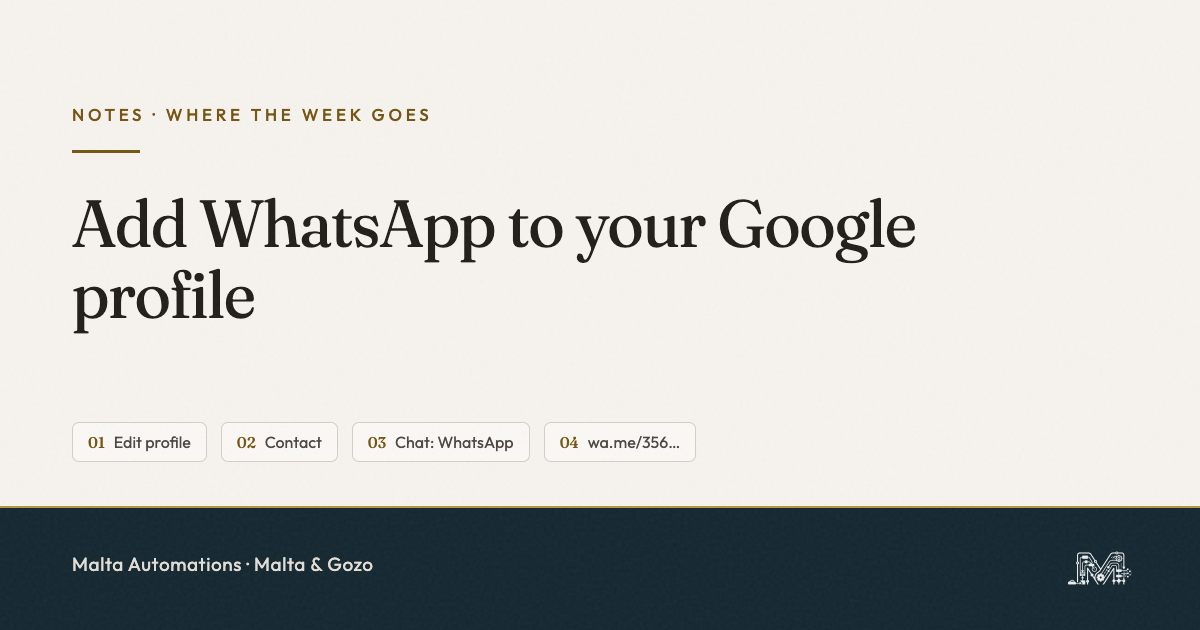
To add WhatsApp to your Google Business Profile, open your profile, tap Edit profile, then Contact. Open the Chat section, choose WhatsApp, paste your link and save. For a Malta number the link is https://wa.me/356 plus your eight digits, with no plus sign and no spaces. Use your mobile, not a 21 or 27 landline. Then check it from a phone, because that is where the button shows.
Most people who find you on Maps will not ring. They want to type.
A call means stopping what they are doing and hoping you pick up. A WhatsApp message they can send from the bus stop. If your Google profile only offers a phone number, the ones who would rather type keep scrolling to the next business that lets them.
The button takes five taps to add. The trouble in Malta is the two small things that leave it dead, which is why we wrote this page instead of pointing you at a general guide.
How to add WhatsApp to your Google Business Profile, step by step
This is the path WhatsApp’s own help page gives, checked on 28 September 2026. It works from the Google Maps app, from Google Search while you are signed in, or from business.google.com on a laptop.
- Open your profile and tap Edit profile.
- Tap Contact.
- Tap the down arrow in the Chat section.
- Choose WhatsApp.
- Paste your WhatsApp link, in the format below, and tap Save.
If there is no Chat section at all, first make sure you are editing a verified profile that you own. We have not found a Google page that says who gets the option and who does not, so try both the phone app and a laptop before you decide it is missing.
The right WhatsApp link for a +356 number
Google asks for a link, not a phone number. WhatsApp builds that link as https://wa.me/ followed by the full number in international format, with every plus sign, space, bracket and dash taken out.
A Maltese number is 356 followed by eight digits. Our own number is +356 7953 0471, so our link is:
https://wa.me/35679530471
The versions that look right and do not work:
https://wa.me/+35679530471- the plus sign has to go.https://wa.me/356 7953 0471- spaces break the link.https://wa.me/79530471- no 356, so WhatsApp does not know which country you are in.https://wa.me/0035679530471- the leading zeros have to go as well.
Type yours into your phone’s browser before you paste it into Google. If it opens a chat with your own business, it is right.
Why a 21 or 27 number gives you a dead button
In Malta, numbers starting with 2, like 21 and 27, are landlines. Mobiles start with 7 or 9. The number on most shop signs and Google profiles here is the landline, because it was there first.
A WhatsApp link only opens a chat if that exact number has a WhatsApp account. It is possible to register WhatsApp Business on a landline, but most businesses here never did. Put the landline into the link and the customer taps the button, lands in WhatsApp, and gets told the number is not on WhatsApp. That is worse than no button at all.
Use the mobile you actually answer WhatsApp on. WhatsApp’s help page asks for a WhatsApp Business number specifically, so if you still run the business from ordinary WhatsApp, this is a good moment to move it across.
Does a different number break the One Address Rule?
No. In our note on businesses missing from Google Maps we hold every profile to the One Address Rule: name, address and phone written the same everywhere. That rule is about your main phone field. The chat link is a separate field. Keep your main phone number identical across Google, Facebook and your site, and let the WhatsApp link point to the mobile.
Why you cannot see the button after saving
You saved it, you searched your business on the laptop, and there is no WhatsApp button. It probably worked. You are looking in the wrong place.
A Google employee answered exactly this question on Google’s own help forum: the WhatsApp option shows on mobile search. Over eighty owners had clicked that they had the same question. Your customers are on phones anyway, so that is the only view that matters.
The Stranger’s Phone Test
Checking the button from your own phone tells you very little. You are signed in as the owner, you have your own number saved, and Google shows you a different version of the profile. So we use one rule we call the Stranger’s Phone Test: the button only counts once someone who is not you has tapped it and reached you.
- Ask a friend or a family member to search your business name on their phone.
- They tap the WhatsApp button on your profile, not the phone number.
- They send the word “test”.
- You check it landed on the business WhatsApp, not your personal one, and you note how long it took you to see it.
That last step is the one that matters. It catches the wrong number, the wrong format, the landline, and the thing the button cannot fix for you.
What happens after they tap
The button moves the enquiry into WhatsApp. It does not answer it. A message that arrives at 19:40 while you are closing up sits there exactly as long as a phone call would have.
So before you add the button, set up what the customer sees in the first minute. At the very least, an away message that says when you will reply. We wrote about why the default one quietly fails in losing WhatsApp enquiries after hours. A button that brings in messages nobody answers only makes the leak easier to reach.
One thing to do today
Write your link on paper: https://wa.me/356 and your eight mobile digits. Open it in your phone’s browser. If it opens your business chat, paste it into Edit profile, Contact, Chat. Then send one person the Stranger’s Phone Test. Ten minutes, nothing to buy.
Questions owners in Malta ask us
Why can I not see the WhatsApp button on my profile?
Check from a phone. The chat option shows on mobile search, so a laptop check often looks like a failure when it is not. Still missing on a phone? Check the link format and that the number has WhatsApp.
Can I use my landline?
Only if that landline is registered on WhatsApp Business, and most in Malta are not. Use the mobile you answer WhatsApp on, the one starting with 7 or 9.
What is the right link for a Malta number?
https://wa.me/356 and your eight digits. No plus, no spaces, no dashes. Ours is https://wa.me/35679530471.
Can I add more than one WhatsApp number?
Yes, WhatsApp says a profile can hold several. For a small shop, one number someone watches beats two that nobody does. If two people answer it, read our note on WhatsApp Business with multiple users.
Does it cost anything?
No. The Google profile is free, the WhatsApp Business app is free, and the link is just a field.
If you want another pair of eyes on it
If you have added the link and the Stranger’s Phone Test still fails, tell us what the customer sees when they tap. We will tell you what we would check next.
Message us on WhatsApp with your business name and the town you are in. That is the same button we are telling you to add, so you can test ours first. If we can help, we will. If we cannot, we will say so.