
WhatsApp Business for shops in Malta: the Counter First rule
By Lucas · Malta Automations, St. Paul’s Bay · · 7 min read
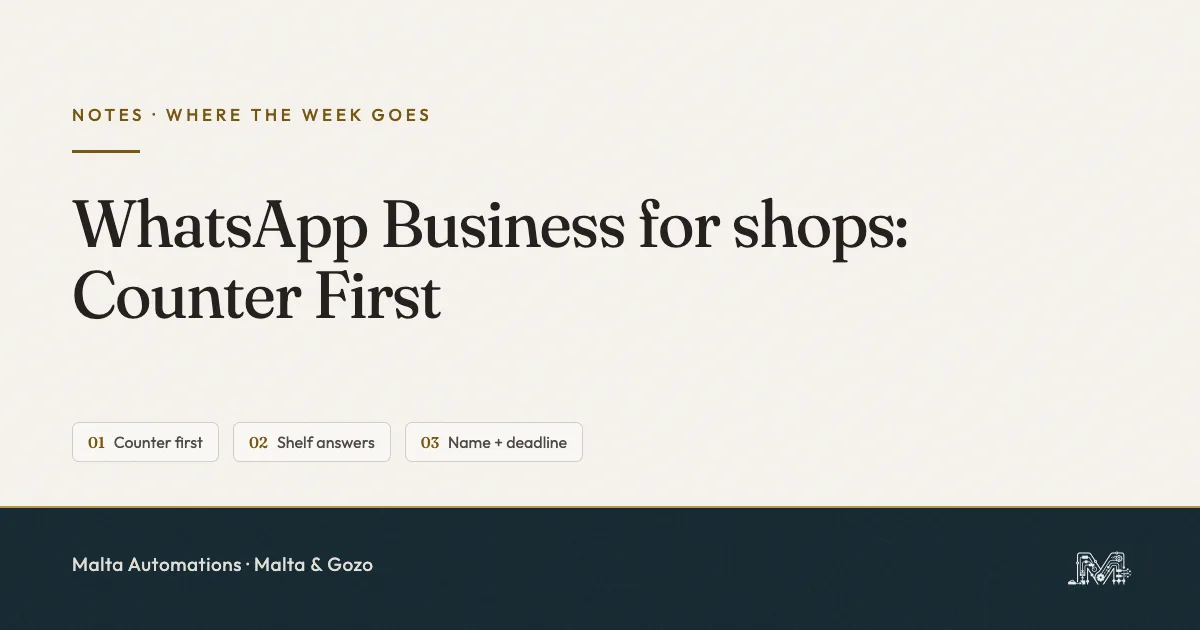
WhatsApp Business for a shop works when the person standing at the counter is served before the phone. I call it Counter First, and it has three lines. A greeting message holds the chat while you serve. A catalogue and a few saved replies answer the shelf questions: do you have it, where is it, how long will you keep it. And “held” always means a name and a deadline. It runs on the free app, with no extra software.
Someone is at the till with a basket. Your phone lights up: “Hi, do you have the blue one?”
The person in front of you is holding money. The person on the phone might be. You can only serve one of them, and the phone is the one that never says it is waiting. This is not a WhatsApp problem. It is an order-of-service problem, and the free app has most of the settings to fix it.
Why a shop’s WhatsApp leaks at the till
A shop’s WhatsApp leaks because the questions arrive in the busiest minutes. People message the shop before they walk over: is it in, how much, are you open, can you keep it until I finish work. Each one is a customer already on the way, and each one lands while you are serving someone else.
The usual reply is the thumb-typed one-liner at the till, or nothing until closing. Both cost something. The one-liner makes the customer in front of you wait. Nothing makes the one on the phone try the shop down the road. It is the first of what I call the Four Moves: a message lands mid-job, and the job wins.
Counter First: three lines
Counter First gives each part of the day one job, so a message is never answered, and an item never promised, at the wrong moment.
- The counter comes first. The greeting message holds the chat. Nobody is answered over a customer’s shoulder.
- The shelf answers before it is asked. The catalogue and four saved replies cover the questions you type ten times a week.
- “Held” has a name and a deadline. An item is only set aside for a named person until a stated time.
Line one: let the greeting message hold the chat
At the till, the greeting message does the talking. WhatsApp sends it automatically when someone messages you for the first time, or after 14 days of no activity in their chat. For a shop, that covers almost every new “do you have” and the regular who only writes when they need something.
To set it up in the WhatsApp Business app: open the Tools tab, tap Greeting message, turn on Send greeting message, tap the message to edit it, choose Recipients, then Save.
A greeting that works says three things: you are serving, when you will reply, and what to send meanwhile.
Hi, thanks for your message. I’m serving customers and reply in the quiet spells, usually within the hour. If you’re asking about an item, send the name or a photo and I’ll tell you if it’s in and where.
The last line carries the weight. By the time you look at the phone the customer has already said what they want, and your reply is one step, not three.
Two settings that silence the greeting
- Recipients set to Everyone not in address book. Regulars you saved are skipped. Choose Everyone unless you have a reason not to.
- Meta Business Agent connected. WhatsApp switches greeting messages off when it is on. If your greeting stopped for no reason, check this first.
The greeting is for opening hours. Closing time needs the away message, a separate setting with its own traps, covered in the after-hours guide.
Line two: let the shelf answer before it is asked
Line two takes the repeat questions off your thumbs. The catalogue answers “what do you have”. Quick replies answer “is it in”. Between them, a customer gets most of an answer before you have looked at the phone.
The catalogue: what it needs, and the Malta question
The catalogue sits on your WhatsApp Business profile. According to WhatsApp’s help page, every item needs a unique name, at least one image and information about its country of origin. A price, a description, a website link and a product code are optional. Customers can share your catalogue with friends, and you can share it in a chat or on social media.
Here is the catch, and it is the one thing I could not settle from the help page. WhatsApp says adding prices to the catalogue is only available in some countries. I have not confirmed it for a Maltese +356 number. So check it on your own phone before you build anything: open the catalogue, add one test item, and see whether a price field appears. If it does not, put the price in the description or in your reply, and do not assume a customer can see it.
Start small. Ten items with good photos beat two hundred with none. A catalogue is a window, not a stockroom list, and it will never know that the blue one sold at eleven.
Four quick replies a shop needs
In a chat, type / and your saved replies come up. The app stores up to 50. To add one: Tools tab, Quick replies, tap the plus, write the message, set the shortcut, Save. Fill in your business profile properly and the app builds default replies from it, such as your hours and address.
- /yes - “Yes, we have it. It’s [where in the shop]. Want me to hold it for you?”
- /no - “Sorry, that one’s sold out. I can have it back by [day], or [closest alternative] is here today.”
- /hold - “Done. Held for [name] until [day, time]. After that it goes back on the shelf.”
- /where - your address, the landmark people use, and the hours. One message, so nobody has to ask twice.
/yes ends with a question on purpose. It turns a stock check into a reservation, and it moves the ball back to the customer.
Two notes from WhatsApp’s own help pages. Quick replies with photos or videos do not work from WhatsApp Web or the desktop app. And a deleted quick reply cannot be recovered, so keep a copy of your four somewhere outside WhatsApp.
Answer in order of whose move it is
Before you open the newest chat, open the ones where the customer is waiting on you. I keep three lists for this - Our move, Their move, Done - and the full setup is in Whose Move.
Line three: “held” has a name and a deadline
Line three protects the shelf. An item set aside with no name and no time is stock you cannot sell. A customer in the shop with cash is turned away, and the person who asked on WhatsApp may never come.
So the order is fixed. The customer says they want it. You send /hold, with their name and a real deadline. You put the item somewhere that has the name on it, a sticky note on the bag is enough. When the deadline passes, it goes back on the shelf and you tell nobody off. The deadline is the whole rule. It is what lets you say yes quickly, because yes no longer costs you the item for ever.
If a held item is regularly not collected, that is a different problem. It is the same one a restaurant has with a table, and I cover it in the Three Guards.
What the free app will not do for a shop
The WhatsApp Business app holds conversations. It does not run your stock. Four limits to know before you blame yourself:
- No live stock. The catalogue shows what you put in it. It does not know what sold at the till.
- No payment taking. Money is settled in the shop or by your own bank app, not in the chat.
- Everything sends from the phone. Greeting and away messages need that device online.
- No scheduled sends on a +356 number, as far as I have seen. Business Broadcasts were not available on the Maltese number I checked in September 2026, so “back in stock” messages go out by hand.
If you are wondering whether to jump to the Platform, read the app versus the API first. For a shop with one till, the free app is enough.
Never automate chaos
None of this helps if nobody knows what is on the shelf. A reply that says “yes, we have it” needs one true answer behind it: a person who looked, or a list that is right today.
So the order stands. Diagnose which question leaks: is it in, where is it, or can you keep it. Articulate the greeting and the four replies in plain words. Systemize them in the app. Only then AI, and only once the habit is proven by hand.
One thing to do today
Tonight, turn on the greeting message with Recipients set to Everyone, and save /hold as your first quick reply. Then ask someone who has never messaged the shop to send a “hi” from their phone. If the greeting comes back, tomorrow’s first rush is covered.
Questions shop owners ask me
Is WhatsApp Business free for a small shop?
Yes. The WhatsApp Business app is free, and the greeting message, away message, quick replies, lists and catalogue all come with it. A shop with one till does not need the paid WhatsApp Business Platform to answer 'do you have this' messages.
How do I answer 'do you have this in stock' without leaving the till?
Do not answer it at the till. Let the greeting message say you are serving and when you will reply, and ask for the item. Then answer in the lull with a saved reply that says yes or no, where it is, and how long you will hold it.
What does a WhatsApp Business catalogue need for each product?
According to WhatsApp's help page, every item needs a unique name, at least one image and information about its country of origin. A price, description, website link and product code are optional.
Can I show prices in my WhatsApp Business catalogue in Malta?
WhatsApp's help page says adding prices is only available in some countries. I have not confirmed it for a +356 number. Open the catalogue on your own phone and add one item. If there is no price field, that is why, and the price goes in the description or in your reply.
How long should I hold an item for a customer who messaged me?
Pick one rule and write it in the reply. 'Held for Maria until Saturday 12:00' works. An item held with no name and no time stays off the shelf for a customer who is standing in your shop with cash.
Do I need a website to use a catalogue?
No. The catalogue lives on your WhatsApp Business profile, and you can share it in a chat or on social media. A link to a website is an optional field on each item.
If the phone at the till is the part that costs you
I built this because I was sick of rebuilding yesterday’s messages from memory. I go into small firms across Malta and Gozo, shops, studios and clinics among them, find the one process that is already eating the week, and take it off the owner.
Message me on WhatsApp and tell me which question leaks for you: is it in, where is it, or can you keep it. No slides, no PDF from abroad, and nothing to buy on the call. If I can help, I will. If I cannot, I will say so.
Lucas